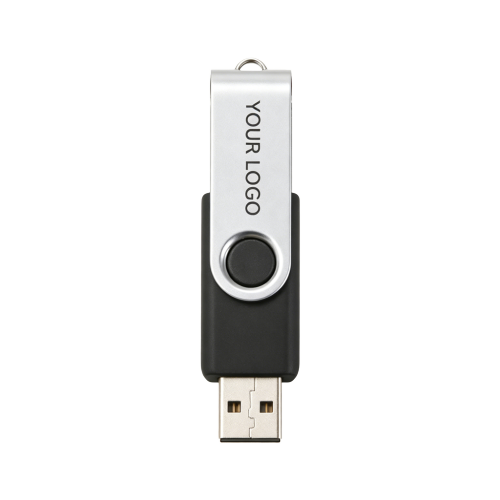
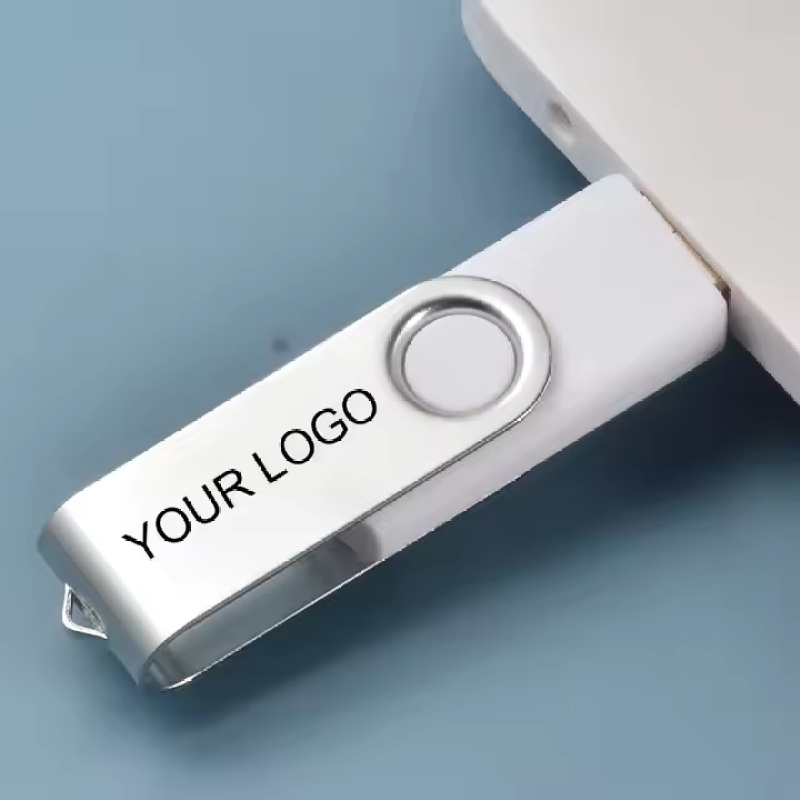
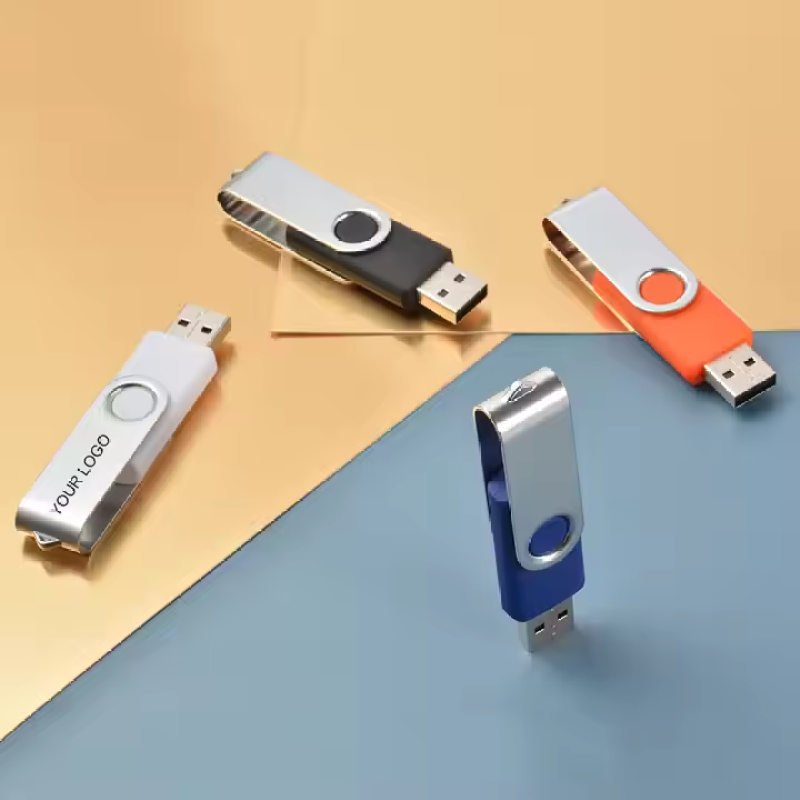

Custom Logo Swivel USB Flash Drive - 8GB-64GB
8GB swivel USB flash drive with customizable logo, USB 2.0, and colorful design—ideal for giveaways and promotions.


Description
Packaging & Services (Optional)
Data Preloading Service: We can preload your catalog, videos, presentations, or marketing materials
Flexible Lead Times, Competitive Pricing, Full OEM/ODM Support
FAQ
Frequently Asked Questions
- Q: What is the storage capacity of this USB drive?
A: The standard capacity is 8GB. Custom capacities up to 64GB are available upon request. - Q: Can I order a different USB interface?
A: Yes, we offer USB 3.0 upgrades for faster data transfer speeds. - Q: What customization options are available?
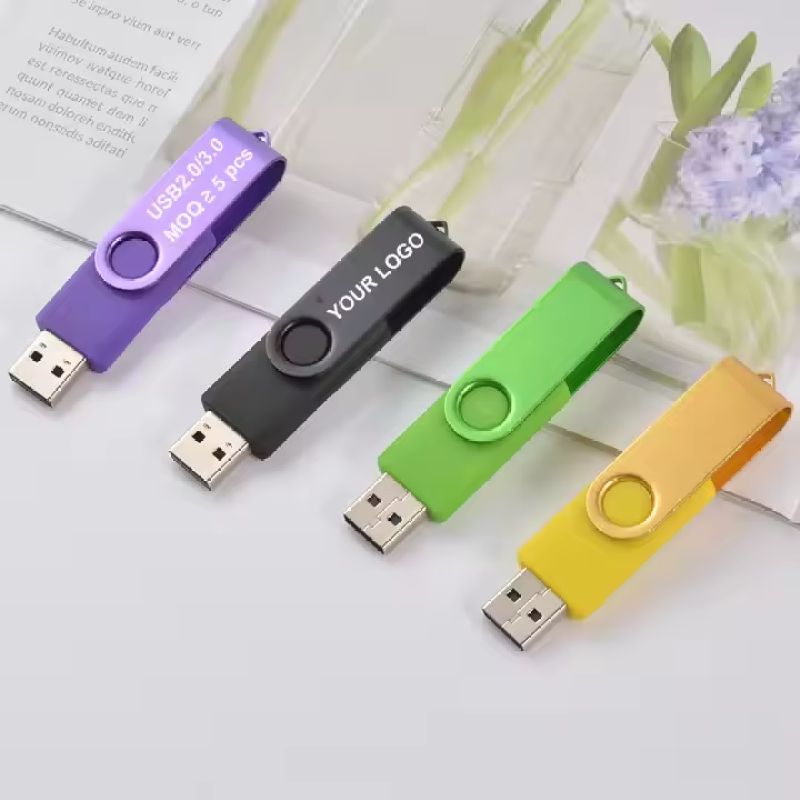
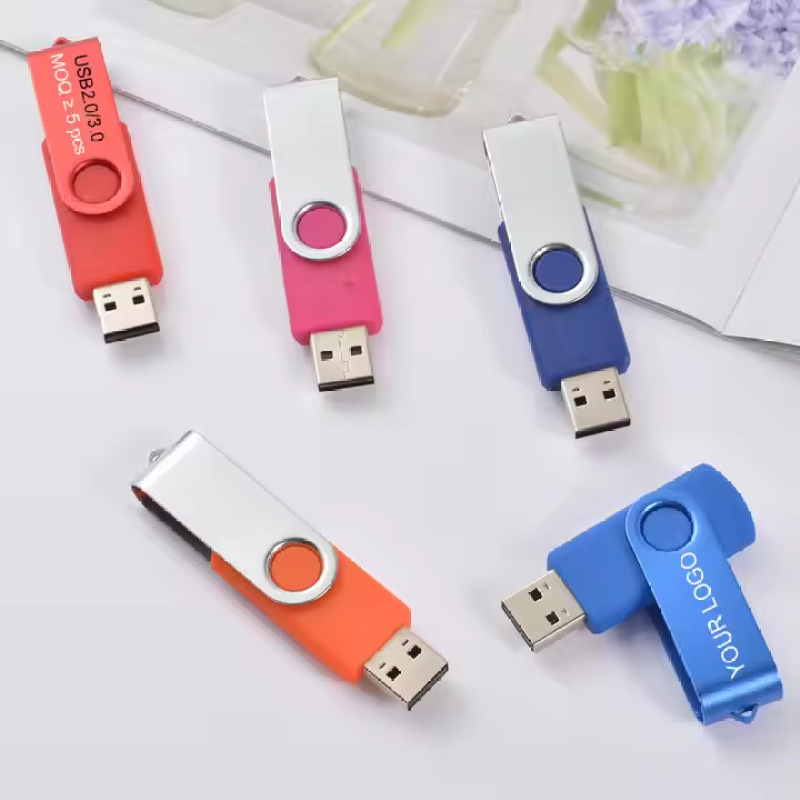
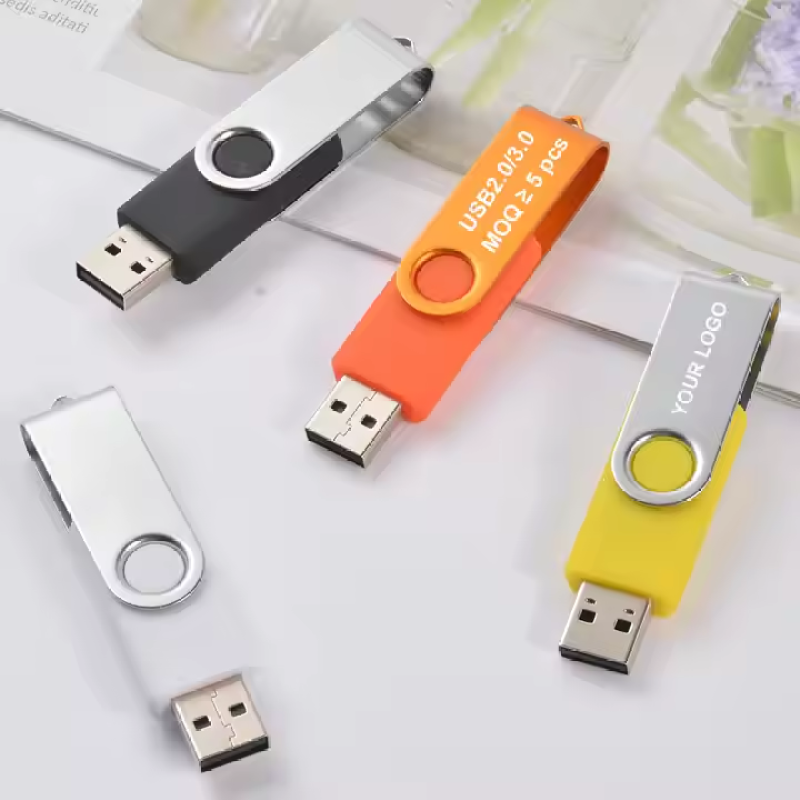
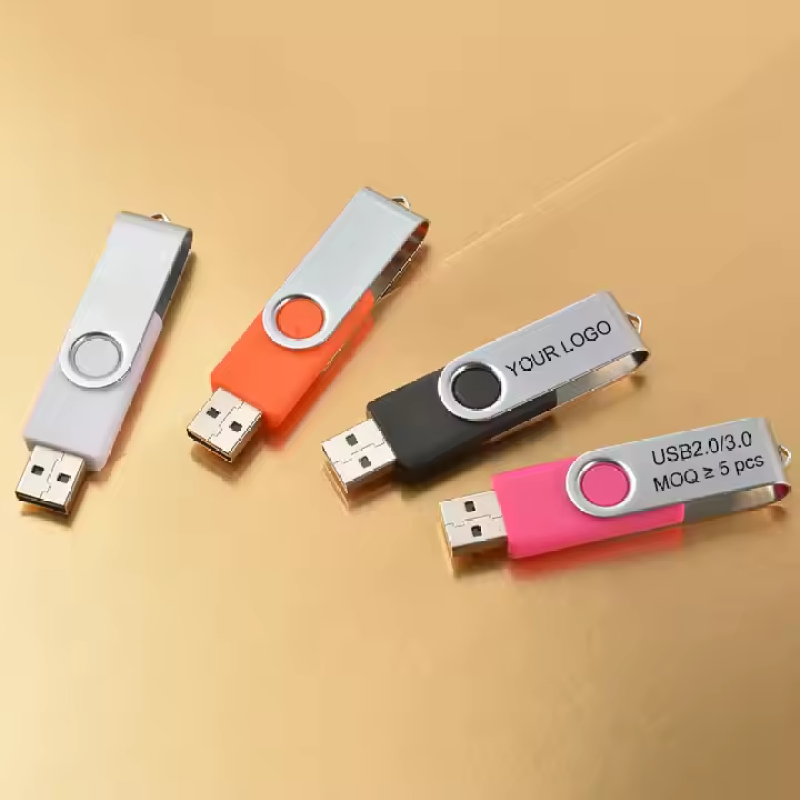
A: You can choose laser engraving or full-color silk screen printing. The maximum print area is approximately 3.5cm × 1.5cm. Logos, text, QR codes, and serial numbers are all possible. - Q: What colors are available?
A: Available colors include Red, Black, White, Yellow, Blue, and Green. - Q: Is there a minimum order quantity (MOQ)?
A: The MOQ is as low as 100 pieces, but may vary for fully custom orders. Please contact us for details. - Q: Are there any optional advanced features?
A: Yes, we can add data encryption, read-only mode, auto-run functionality, or custom boot screens upon request. - Q: What packaging options are available?
A: Optional packaging includes OPP bag, gift box, leather pouch, metal tin, etc. We also offer a data preloading service.
Packing Information
| Packing Detail | Value |
|---|---|
| Packing Length | 30 cm |
| Packing Width | 25 cm |
| Packing Height | 20 cm |
| Gross Weight | 6 kg |
| Net Weight | 5 kg |
| Quantity per Pack | 500 pieces |
| Optional Packaging Styles | OPP bag, gift box, leather pouch, metal tin, etc. |
Usage Instructions & Precautions
Usage Instructions
1. Swivel the metal cover to expose the USB connector. Insert into an available USB port on your computer or device.
2. The drive will be recognized automatically. Drag and drop files to transfer.
3. After use, safely eject the drive from your operating system before removing.
4. Swivel the metal cover back to protect the connector.
Precautions
- Do not expose the USB drive to extreme temperatures, moisture, or direct sunlight.
- Avoid dropping or applying excessive force to the metal swivel mechanism.
- For optimal performance, format the drive using FAT32 or NTFS (depending on your OS).
- If using optional data encryption, keep your password secure and do not share it.
- When using custom boot screen or auto-run features, ensure compatibility with target systems.
Available Options
Available Variants
Colors: Red, Black, White, Yellow, Blue, Green
Capacities (custom): 8GB, 16GB, 32GB, 64GB
Interface Upgrade: USB 3.0 available
Optional Features: Data encryption, read-only mode, auto-run, custom boot screen
Packaging Options: OPP bag, gift box, leather pouch, metal tin
Packaging & Delivery
-
Selling Units:
pcs
-
Single gross weight:
10 g
-
Packing size:
30 x 25 x 20 cm
-
Packing gross weight:
6 g
-
Packing net weight:
5 g
-
Packing quantity:
500 pcs
Quick Details
| Material | Plastic body + Metal swivel cover |
| Size | 58mm × 19mm (L×W) |
| color | Red, Black, White, Yellow, Blue, Green |
| Weight | 10 grams |
| Capacity | 8GB (custom capacities up to 64GB available) |



 English